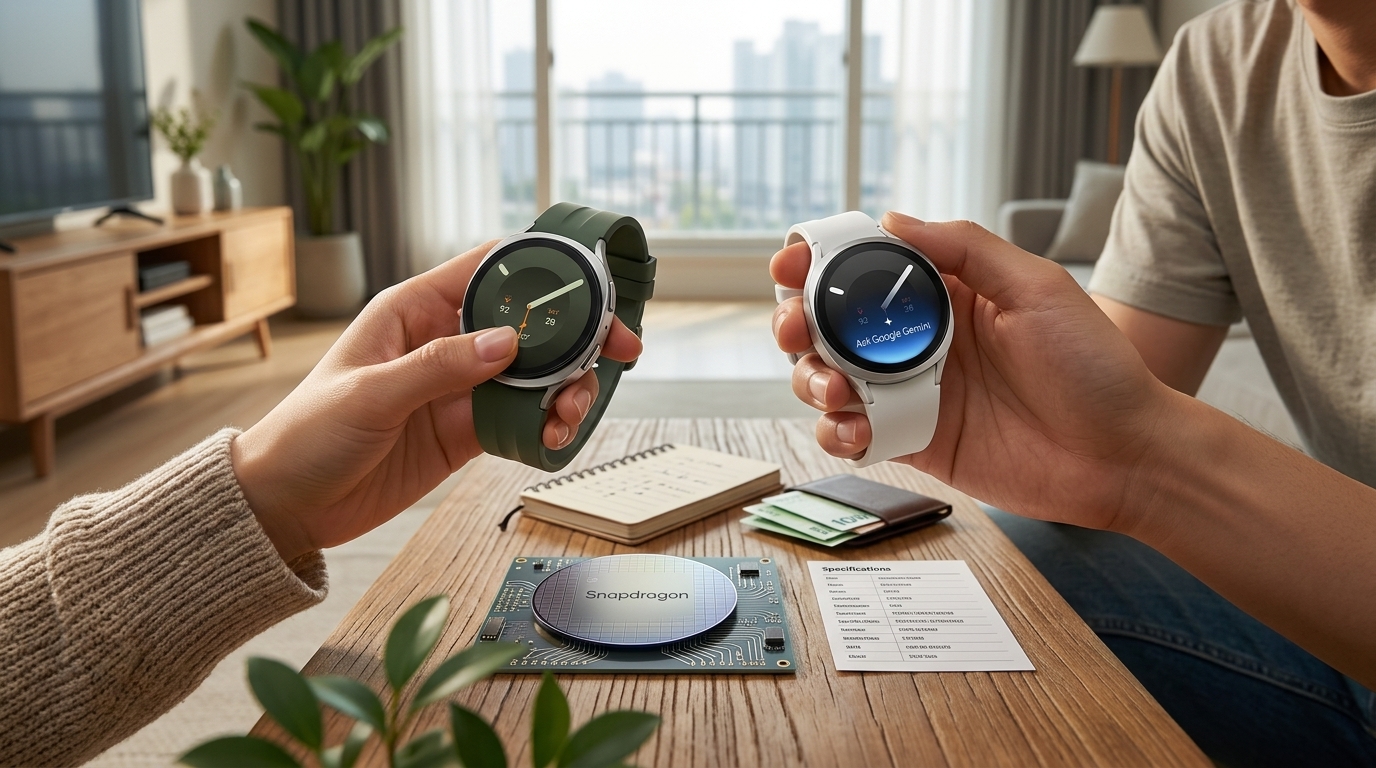
You know that three seconds where you pull out your phone, unlock it, and hunt for the right app? How many times a day does that happen? There's finally a device that lets you just ask "what is that?" without reaching for anything. These are display-equipped AI glasses that project green text in front of your eye, and I've pulled together the eight things that come up again and again in hands-on reports — a pre-purchase checklist for the Rokid Glasses.
If you're in a hurry, here's the short version.
- What people love — the nose pads that actually keep them in place, the green heads-up display, and being able to pick between ChatGPT and Gemini
- What people gripe about — battery that doesn't survive a full day, a proprietary charging connector instead of USB-C, and text that washes out in bright sunlight
- The thing to really think hard about — eye fatigue after staring at green text for a while
Why a Tiny Nose Pad Makes or Breaks the Fit
The first hurdle isn't the software. It's the bridge of your nose. The single most common complaint in smart glasses reviews is "they keep sliding down."
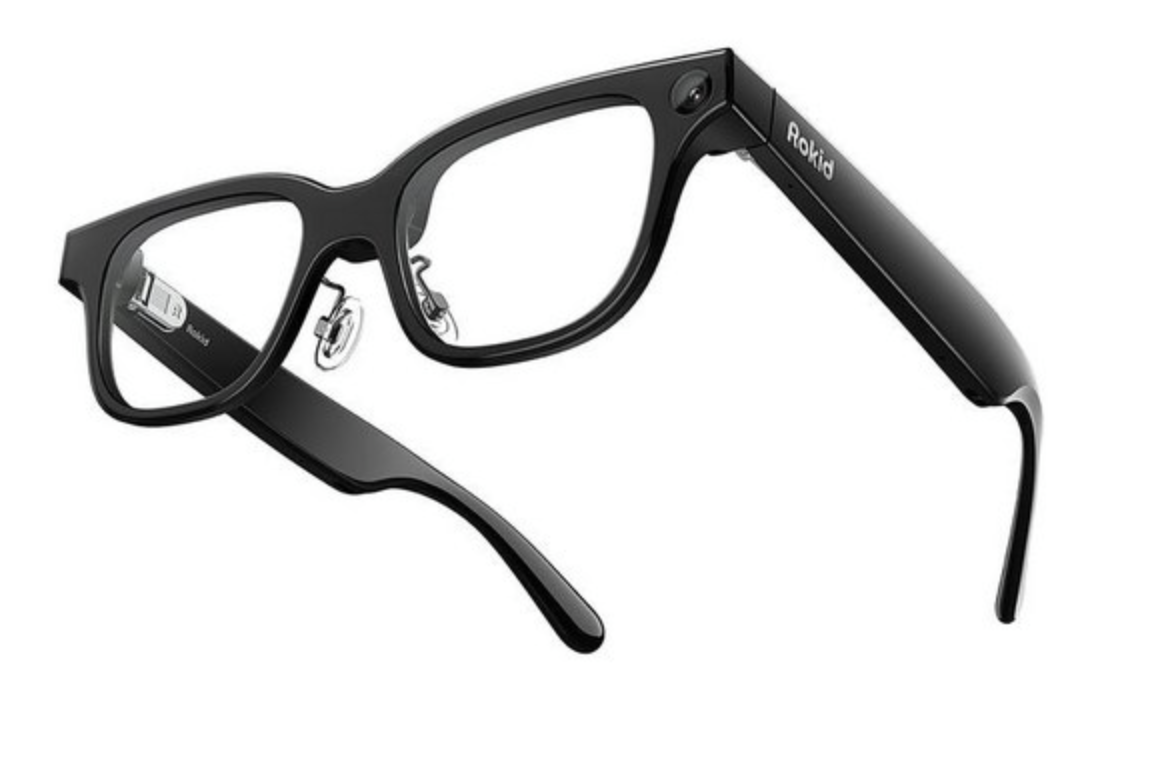
There's a real reason for it. The category benchmark, Meta's Ray-Ban line, uses a fused one-piece bridge with no separate nose pads — a design that assumes a fairly narrow range of face shapes. If you have a lower or flatter nose bridge, they start creeping down within minutes. And when the frame drifts away from your eyes, the display — the whole point of this product — drifts out of alignment with it.
Rokid went the other direction and added separate, adjustable nose pads. Sounds like a throwaway detail, right? But it's exactly why so many reviews say they "just stay put." Everything else the glasses do only matters if they're sitting where they're supposed to sit.
What It Actually Feels Like to Have Green Text in Your Vision
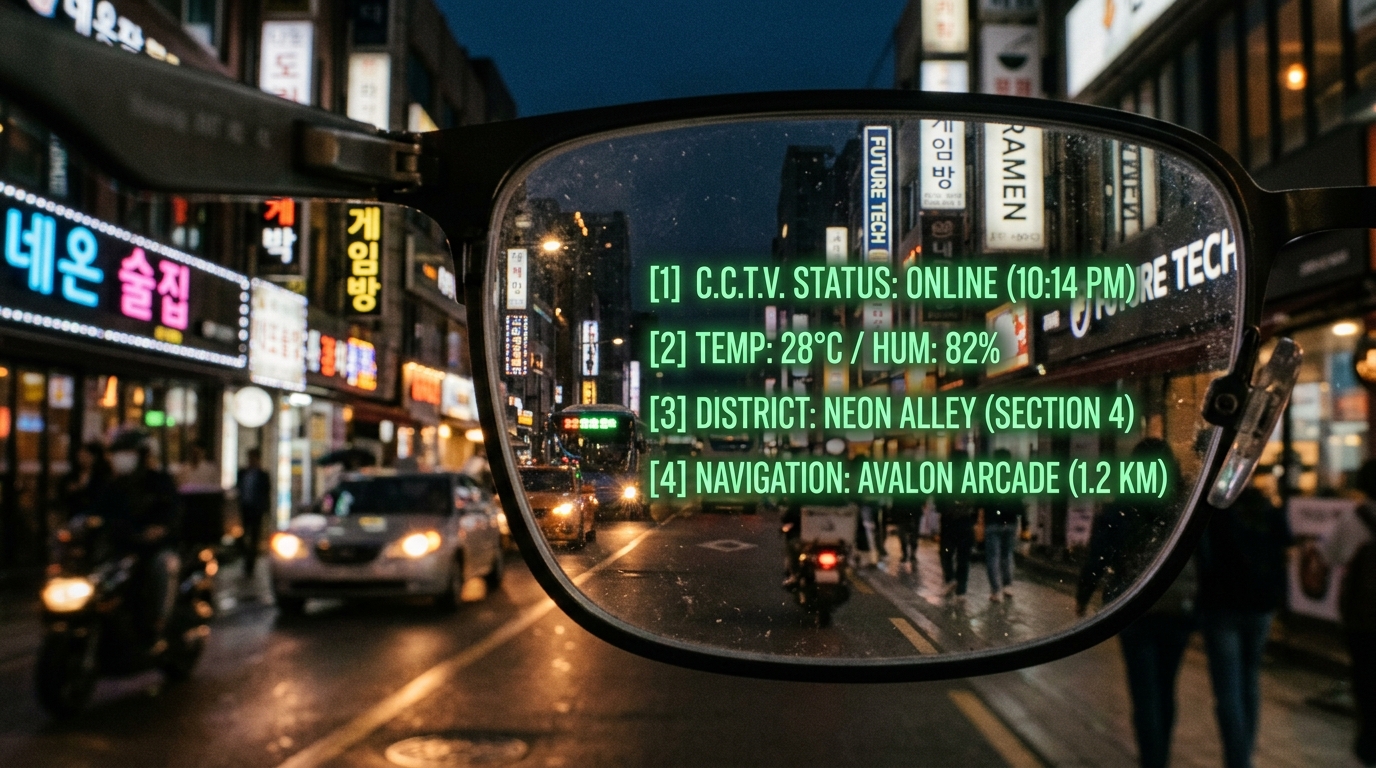
The identity of these glasses is the green monochrome microLED text that appears in the right lens. It's one color and one color only, and yet almost everyone reacts the same way the first time they turn it on: it feels like the early days of the smartphone, installing app after app and thinking "okay, I could do anything with this."
Notifications, turn-by-turn directions, and live translation captions all layer over your view, so you spend a lot less time looking down. Just set your expectations first. This is not a rich, photo-like screen — think glowing text floating over a dark backdrop.
And there's one thing worth flagging hard: your eyes. When you're reading green text against a visually busy background, your focus subtly hunts back and forth. It's a lot like watching a camera's autofocus struggle to lock on.
Against a clean backdrop like a blank wall, the text is crisp. The more cluttered the scene, the more likely you are to feel woozy after a long stretch. Reviewers keep repeating the same advice, and it's basically the 20-20-20 rule: every 20 minutes, look at something 20 feet away for 20 seconds.
The Real Edge: Choosing Between ChatGPT and Gemini
You say "Hey Rokid," ask your question out loud, and the answer comes back. Instead of pulling out your phone and typing, you fire off a question mid-stride and keep going with follow-ups. That conversational flow is what most people say is the genuine appeal of AI you wear on your face.
The differentiator is model choice. In the companion app you can switch between ChatGPT and Gemini — pick whichever of the two you prefer, swap whenever you want. That sets it apart from competitors that lock you into a single in-house assistant.
Translation works too, but it's not magic. In a quiet café it picks up speech cleanly and turns out a solid translation. Add background noise and the speech recognition itself starts to wobble, which sharply raises the odds of a garbled result. In a loud train station or a packed tourist plaza, it may not deliver what you're hoping for. Better to know that going in.
| Feature | Rokid Glasses (display model) | Meta Ray-Ban line |
|---|---|---|
| In-lens display | Yes (green monochrome HUD) | No (voice and camera focused) |
| AI model | Choose ChatGPT or Gemini | Locked to built-in AI |
| Nose pads | Yes (adjustable for varied bridge heights) | No (frequent slipping complaints) |
| Video orientation | Both vertical and horizontal | Vertical (9:16) focused |
| Charging | Proprietary connector + case | Case-based charging |
The Camera and Teleprompter Are More Practical Than They Sound
A 12MP Sony sensor in the temple arm handles photos and video. The clever part is that while you're shooting, a green-shaded preview of the actual frame appears in the lens. It solves the classic wearable-camera problem where what you see and what the camera captures are two different things, and you end up with half your subject cut off.
Electronic stabilization is on by default, and most people say walking footage comes out usable. Unlike competitors stuck in portrait, it shoots landscape too.
The quiet killer feature is the teleprompter. It replaces the kind of rig broadcast studios spend thousands of dollars on, scrolling your script upward right in front of your eye during a presentation or a shoot. If public speaking makes you nervous, that one feature might justify the whole purchase.

Battery and Charging Are Where Reality Sets In
Time to get honest. The most frequently cited downside is battery life. The display-free sibling model advertises 12 hours of general use, but the display version — running the screen plus AI, translation, and recording — burns through power far faster.
Here's the pattern that keeps showing up. Leave the house at 9 a.m. at 100%, do a few translations, shoot a little video, ask a bunch of voice questions, listen to some music, and you're at 10–20% by around 6 p.m. Do the math and it's tight for a worry-free full day.
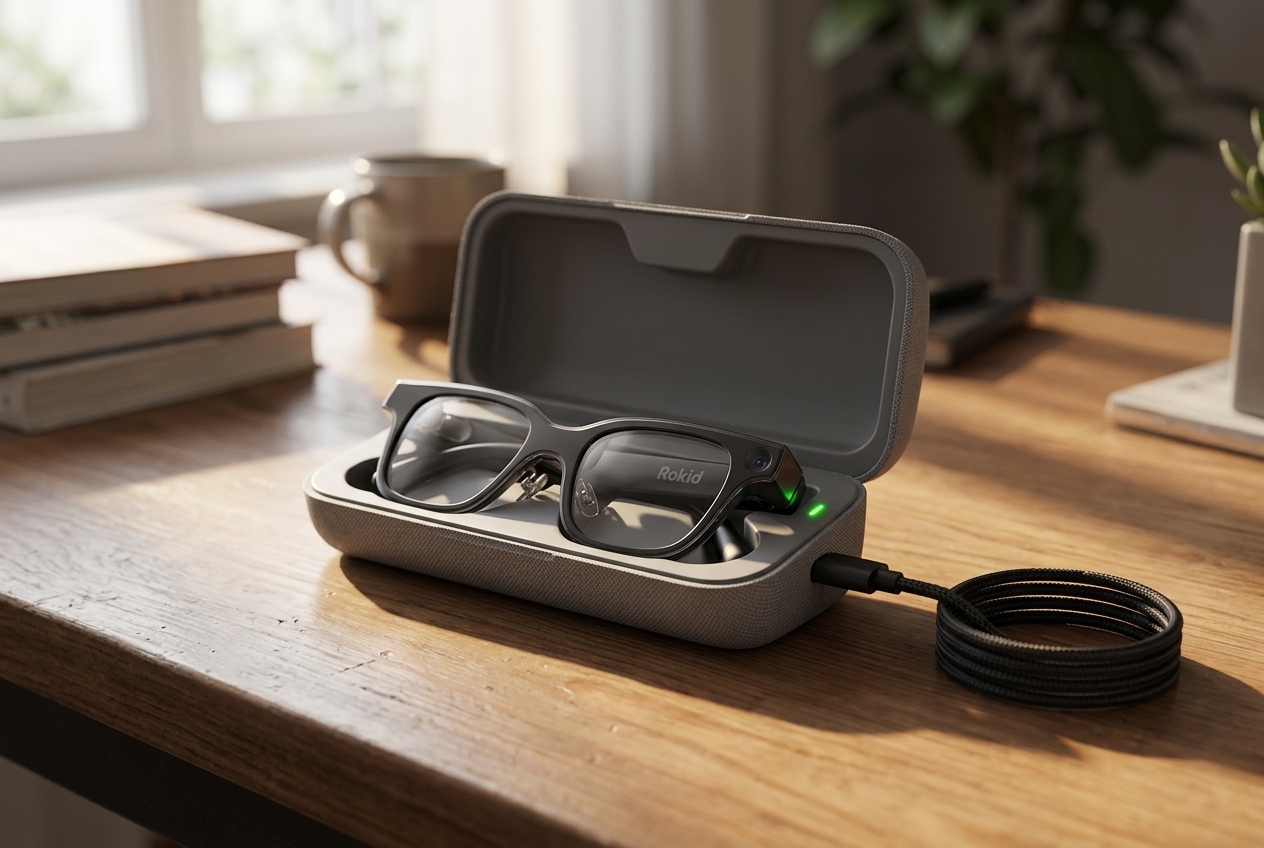
Which makes the charging case effectively mandatory. Stow the glasses in it and they're always topped off, which is genuinely convenient — but the case is sold separately (around $60, or roughly ₩80,000), and the direct-to-frame port is a proprietary connector rather than USB-C, which is mildly annoying. The case itself charges over USB-C.
Sunlight, Driving, and the Details Nobody Mentions
Green text reads beautifully at night. The problem is broad daylight. Out in direct sun, even cranked to maximum brightness, the text gets swallowed by the background. If you were expecting "crisp anywhere, anytime," this is where you'll be let down.
Flip it around and at night behind the wheel that same green glow becomes distractingly bright. Leaving notifications on because it's convenient and then having glowing text flicker across your field of view is a genuine hazard. Keep text display off while driving.
One last thing worth watching: the recently launched agent store. Users build apps for the glasses, upload them, and everyone else picks what they want — it has that early-days App Store energy. Long term, the ecosystem is going to decide this race far more than the hardware will.
So Who Are These Actually For?
The decision comes down to a single question: do you actually need a display in your field of view? If you don't, the display-free model is lighter and lasts longer, and it's the better buy. If the idea of captions, translations, and a teleprompter floating in your vision genuinely appeals to you, this is the one.
For reference, the display model lands somewhere in the $550–$600 range (roughly ₩780,000) depending on where and how you buy it, as of July 2026. That's real money, so do one thing today before you commit: count how many times you pull out your phone in half a day, and what you're checking each time. The more that loop repeats, the more these glasses are worth.
The future usually shows up in something small and unglamorous — like a nose pad. Forget the grand vision. The real question is whether it saves you those three seconds of reaching for your phone.