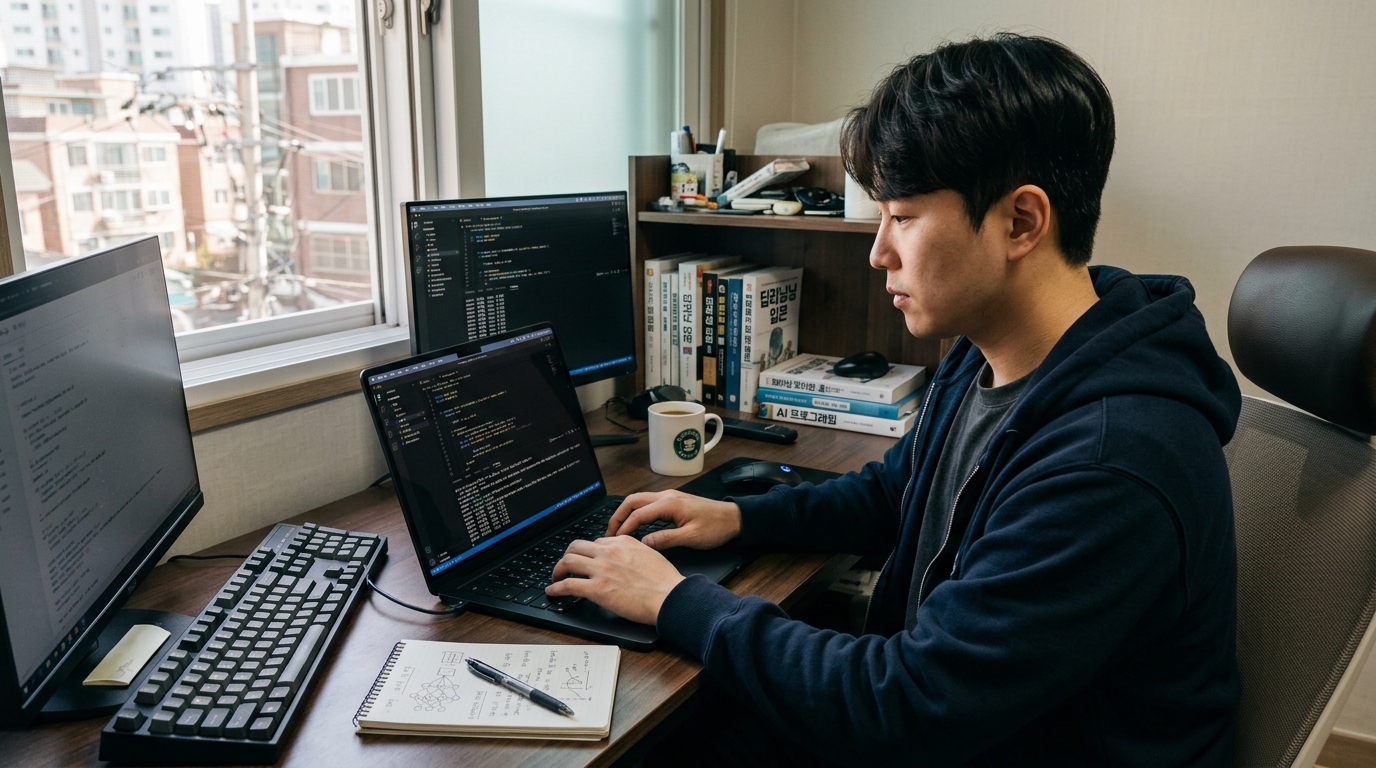
1 a.m. The screen is asking me "Want me to edit this file?" for what feels like the hundredth time tonight. And as I reach for the enter key again, the thought lands: am I automating my work, or is it automating me?
So I went looking at how people who actually get real mileage out of AI coding agents do it. Turns out it isn't that they picked a smarter model. They set the table up completely differently.
Three things: how you clear context, how you hand work off, and the fence that keeps a mistake from becoming a catastrophe. Get those right and you can have at least one window grinding away on its own while you sleep tonight.
Why Does a Long Conversation Suddenly Get Dumb?
The short version, in three lines.
- When an agent starts flailing, it's usually not raw capability — the conversation window is full.
- The fix isn't a summary. It's leaving behind a handoff doc and restarting from 0% in a fresh window.
- If you plan to let it run overnight, put it in a sandbox before you start loosening permissions.
To see why, you have to look at how a chat session actually works. It feels like you're sending one question. In reality, the entire conversation so far rides along every single time.
Question number 10 goes out with questions 1 through 9 stapled to it. You're hiking uphill, dropping another rock in your backpack at every switchback.
The numbers make it concrete. As of July 2026, the official docs list a 200K-token context window for Claude Sonnet 4.5 and Haiku 4.5. New models ship constantly, so go check the docs for whatever model you're actually running.
And as you approach the ceiling, the session auto-compacts itself. The write-ups I've seen put the trigger somewhere around 83% of the window. 200K times 0.83 lands near 166K tokens. You figured you had room to spare, and the trap springs a lot earlier than that.
The real problem is that compaction is a summary. And a summary always throws something away.
What if the thing it throws away is the error-handling rule you spent two hours nailing down yesterday?
That's the single most common gripe in community threads: "after it compacted, it made the exact same mistake I already fixed." Which is why the advice to clean up early — around 50–60%, not at the ceiling — keeps making the rounds.
Hand Off a Doc, Not a Summary
This is where you flip the mental model. Stop duct-taping one endless conversation together and instead have the agent write a handoff doc, like an employee on their last day.
In a real office this is obvious. You don't dump six months of a departing coworker's Slack history on the person replacing them. You give them a one-pager.
So when you wrap a work session, use the same line every time: "Write up the decisions we've made, what's still unfinished, and which files not to touch in HANDOFF.md." Then clear the window completely and make the new session read that file first.
Put the three approaches side by side and the difference jumps out.
| Approach | Context | Memory retained | When to use it |
|---|---|---|---|
| Just keep chatting | Keeps filling up | Looks intact | Short tasks, under 30 minutes |
| Compact (/compact) | Shrinks | Partially lost | Continuing the same task |
| Clear (/clear) + handoff file | Resets to 0% | 100% of whatever got written down | Moving on to the next phase |
The point is one thing: keep memory in files, not in the chat window. The window evaporates. The file doesn't.
Pair it with a project-rules doc (a CLAUDE.md, say) and it gets easier still — no re-explaining your project from scratch every time you open a new window.
Don't Make One Agent Do Everything — Split the Team
Cramming everything into a single window is the least efficient thing you can do. Pulling data, then designing strategy, then patching the backtest code. It's like handing one person sales, engineering, and accounting at the same time.
So split the roles. One that only touches market data, one that only works on strategy logic, one that only verifies results. Each one only needs to know its own job.
Subagents are how the tool does this for you. Per the docs, each subagent runs with its own separate context window, its own system prompt, and a restricted tool list. Meaning you can throw a heavy exploration job at one and your main window stays clean.
Creating one is barely any work. Something like "you dig through logs and find root causes, nothing else" written out as plain text is basically it.
Take it a step further and you can run several full sessions at once, each with an assigned role. One window equals one teammate.
That said, on a personal project you don't need eight of them on day one. Start with two. One that plans and gives instructions, one that actually edits code. Plenty of people report that split alone changed everything for them.
To Get Agents Talking to Each Other, You Need a Courier
Here's the wall you hit. Window A and window B are entirely separate processes. A has no way to hand its output straight to B.
Office version: they're each sitting in a soundproof booth. Great at the work, can't hear each other.
So you stand up a courier process in the middle. People usually call it a bus, and its entire job is these three things.
- Watch for the "pass this along" requests each session leaves behind
- Record the message (you get a log of what went where)
- Push the content into the receiving window — and press enter for you
Pressing enter on your behalf sounds a little silly. But that's the last inch of automation. That one keystroke is the whole reason you're still awake at 2 a.m.
The implementation can be humble. Drop message files in a shared folder and let both sides read it, or keep a small job queue, or use a terminal multiplexer to send keystrokes into another pane. There are open-source tools for this already, so you don't have to build it from zero.
There's a bonus in this design: the other side doesn't have to be the same model. As long as the message format matches, you can seat an agent from a totally different vendor right next to it.
Running It Overnight? Build the Fence First
Everyone hits the same temptation right about here. The confirmation prompts are annoying, so you switch them all off.
I get it. But that's taking the brakes off before a night drive. One wrong rm and your project folder can be gone by morning.
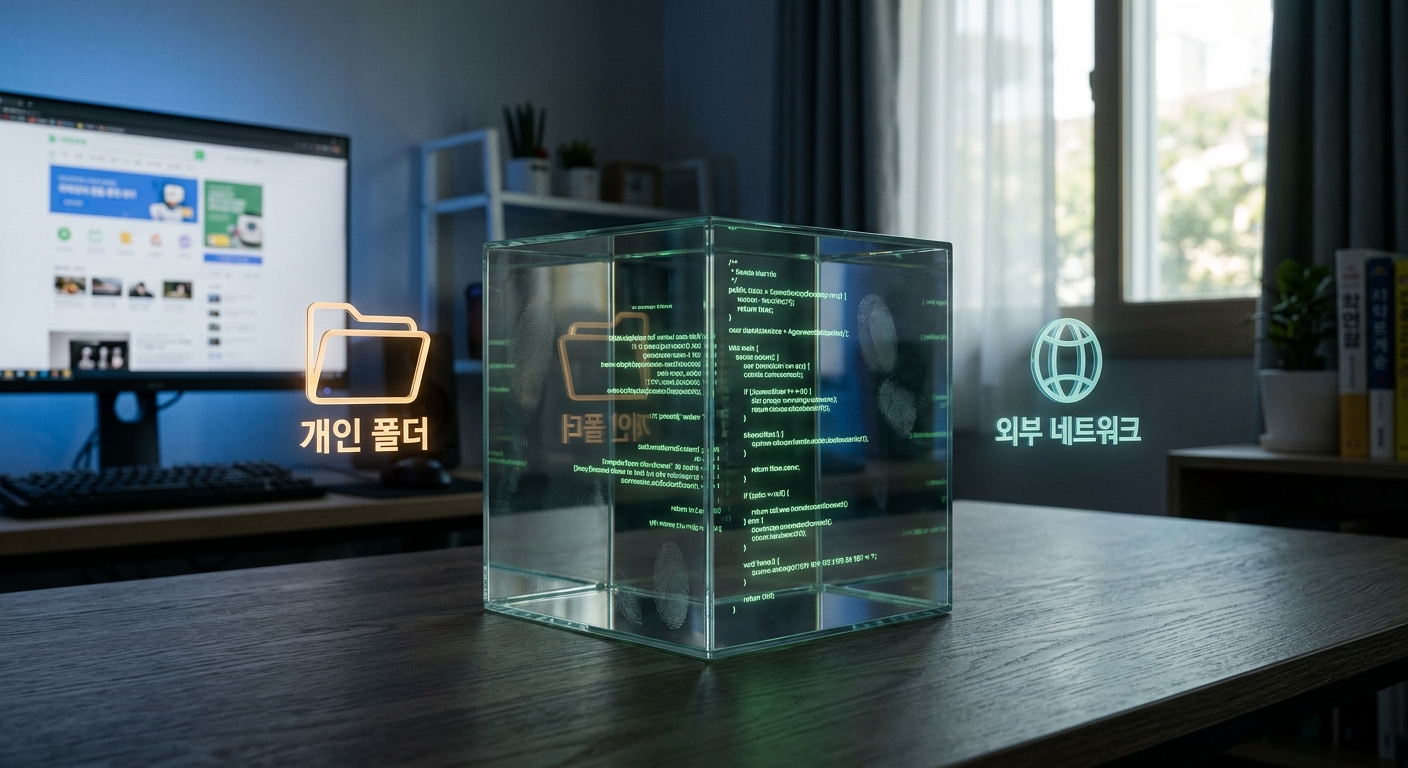
So flip the order. Instead of loosening permissions, box it in first and let it do whatever it wants inside the box.
Digging into it, permissions and sandboxing are completely different layers. Permissions decide "which tools can it use." A sandbox blocks filesystem and network access at the OS level. You run it inside a Docker container and mount only the folder you're working in.
Four things to check before you turn out the light.
- Is the working folder under git? (You need an undo button.)
- Did any folder from outside the container sneak in through a mount?
- Are real API keys or brokerage credentials sitting inside it?
- Is there a log of who did what?
That third one especially. If you're building something with money on the line — an automated trading bot, say — never put live account keys in the hands of an agent running unattended. Run it against a paper-trading account until you're genuinely sure, and keep the execute button under a human finger.
Why You Should Leave the Last 1% Alone
Aim for total automation and the results get strangely worse. Code that piles up with nobody reading it eventually becomes a block you can't touch.
So delegate up to 99% and keep two checkpoints for yourself: right before the commit, and right before a real order goes out.
One thing tonight is plenty. Go to that long conversation you've got open right now and type: "Write the decisions we've made and the remaining work into HANDOFF.md." Then clear the window and start over.
It feels wasteful at first. But the moment the fresh window starts acting sharp again, you'll get it: what you were clinging to wasn't memory. It was baggage.