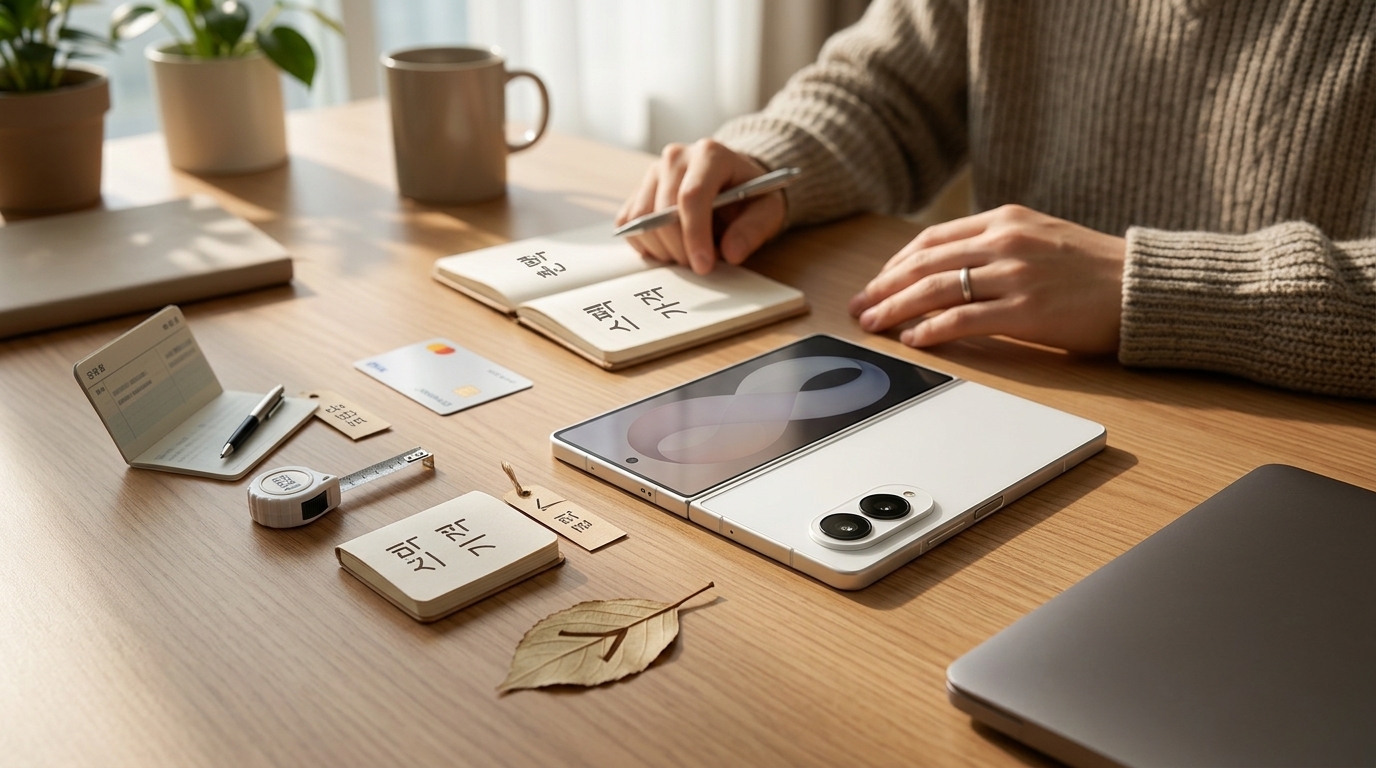
Unfold it and it's a tablet, fold it and it's a phone. That's been the foldable sales pitch for years. But the Galaxy Z Fold 8 finally messes with the formula, because Samsung changed the aspect ratio.
And even though both phones wear the same "Fold 8" badge, put the base model and the Ultra side by side and they feel like cousins, not twins. Before you tap that pre-order button, here's how to decide between them — and what actually starts to nag at you once the thing is in your hand. I went in expecting a routine spec bump. Holding both, the story is different.
- The wider 16:10 cover screen genuinely changes how video, e-books, and comics feel while the phone is still closed.
- The base model wins at two-thumb typing and that "open notebook" reading posture; the Ultra wins on information density and a denser, more premium heft.
- The trade-offs are still there: lopsided speaker placement, weaker low-light photos, and yes, the crease.
- Performance sits a step below the Ultra and the S-line that share the same chip, so heavy gamers should run the math again.
Base or Ultra? The one-line version
The question everyone asks first is "okay, but what's actually different?" — and dumping a full spec sheet on you tends to make it worse. Here's the short version.
| Category | Fold 8 (base) | Fold 8 Ultra |
|---|---|---|
| Cover screen character | Wide, notebook-style | Tall, legal-pad style |
| Weight | About 205 g (7.2 oz) | About 218 g (7.7 oz) |
| Thickest point | About 9.9 mm (0.39 in) | About 9 mm (0.35 in) |
| In-hand feel | Light, but solid | Smaller footprint, feels denser |
| Best at | Two-thumb typing, landscape video | Information density, vertical scrolling |
Here's the fun part. On paper the base model is 13 g (about half an ounce) lighter, yet review after review says "you don't really feel the difference." That's density at work. The Ultra packs the same kind of mass into a smaller body, so more of it lands in your palm at once. Classic case of the scale and your hand disagreeing.
What the 16:10 cover screen actually changes
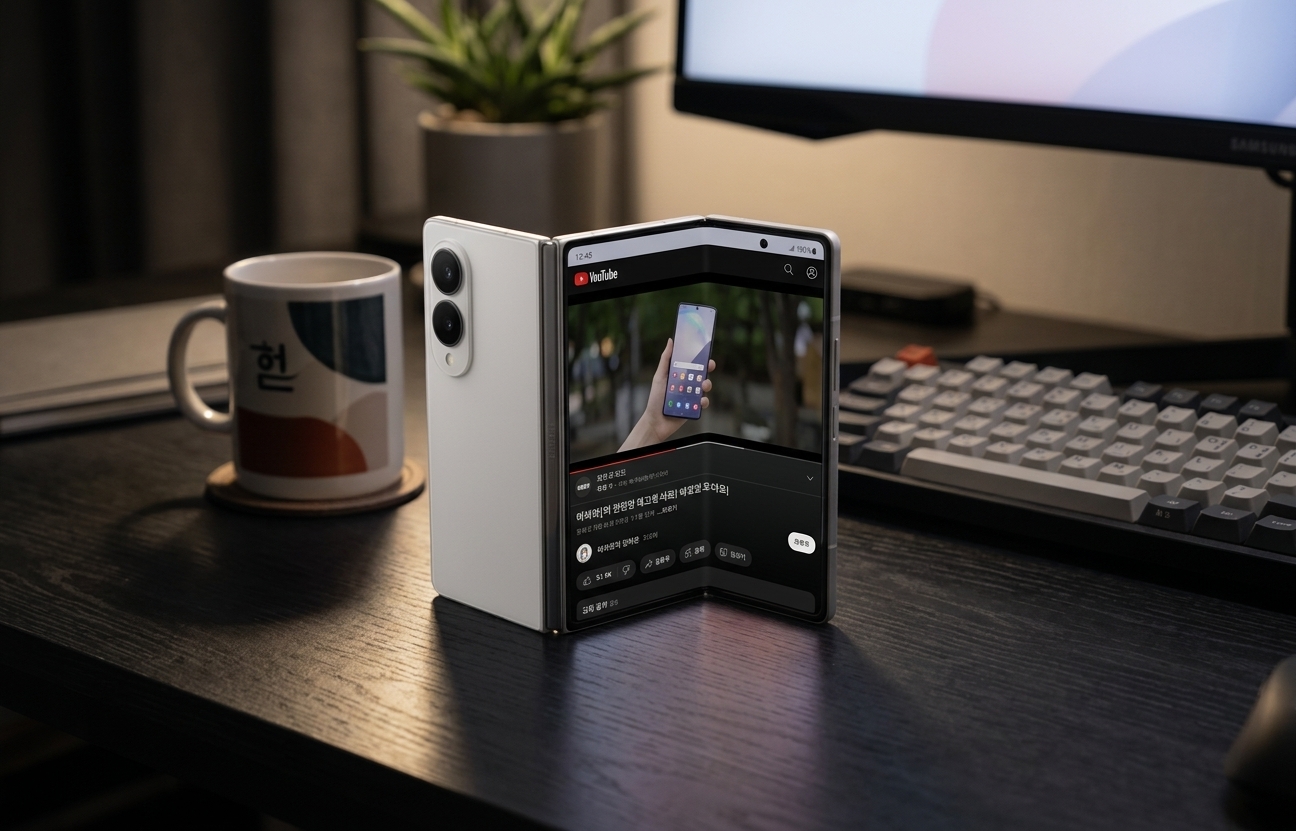
The Fold 8's cover display is now 16:10 — the same proportions as a Galaxy Tab, if that's an easier reference point. Fire up YouTube without unfolding and the black bars top and bottom shrink dramatically.
Play a standard 16:9 video full-screen and you lose almost nothing to cropping. That cramped, letterbox-y feeling from older Folds' narrow cover screens is mostly gone.
The bigger change is inside. Bend it slightly and it reads like a paperback held open — the proportions land close to a manga or graphic novel page, which makes comics and e-books noticeably nicer to sit with. (Webtoons, the vertical-scrolling comics that blew up out of Korea, benefit even more.)
An aspect ratio change sounds like a footnote, but it isn't. It changes how you consume things. You can split the inner screen into three vertical panes and stack apps top to bottom — I got three videos running at once, just to see. That combination was awkward on previous Folds, so it's a real, concrete win for this generation.
Propping it up: why it's only half a feature
If you like standing your Fold up to watch something, this is where opinions split. Flex mode — the hinge holding the screen at whatever angle you leave it — only stays reliably put out to roughly 90 degrees.
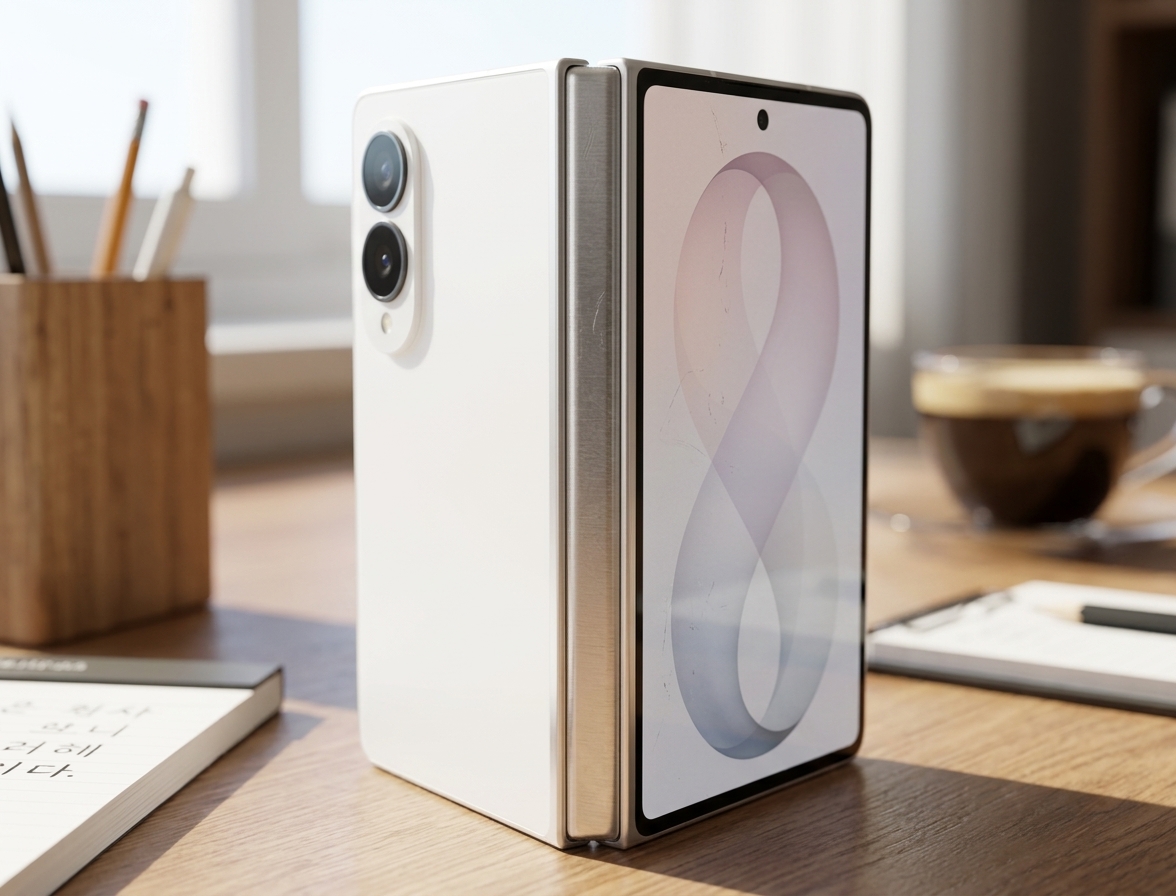
Set it up laptop-style with the cover screen facing out and it's great: good angle, enough tension that you can tap the screen without the whole thing wobbling. Flip the orientation, though, and there's a range where it just doesn't hold the way you want.
"No crease" — is that for real?
Anyone who's owned a couple of foldables stops falling for the crease-free unboxing photo. There's a reason for that.
Every foldable ships flat, fully unfolded in the box. Which means the moment you open it is the least creased that phone will ever be. The honest test comes a few days in, after real open-close cycles, or after it's sat folded shut overnight.
Even accounting for that, the consensus on this generation is that the fold line is unusually faint out of the box. The inner display's anti-reflective treatment is getting a lot of praise too. The outer cover glass is the weak spot — reviewers keep flagging reflections, easy scratching, and smudges that won't fully wipe off after a few days. Put an AR-coated tempered glass protector on the cover screen and you'll be happier six months from now.
The camera is where I hesitated
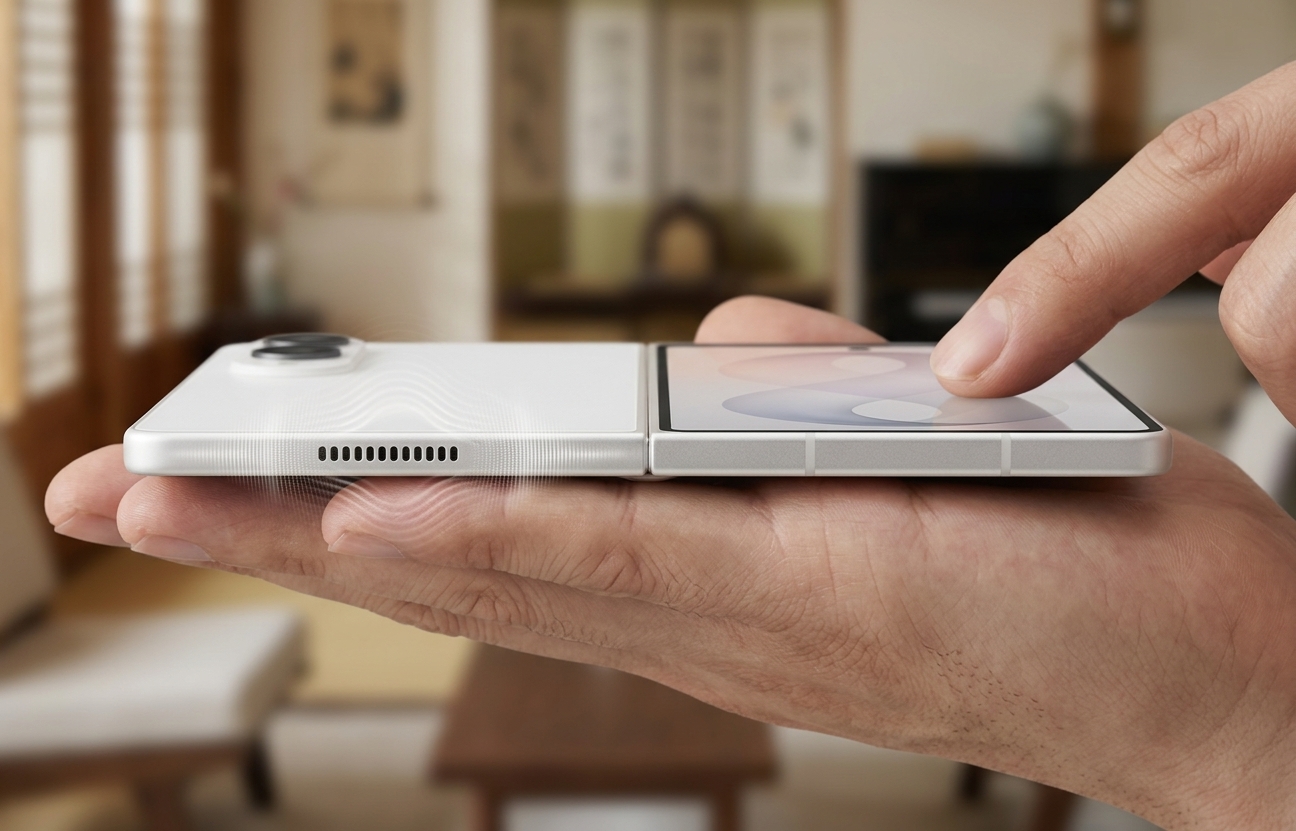
The main camera feels a class below the Fold 8 Ultra's. The gap really opens up in the evening and under indoor lighting — detail smears, noise creeps in.
Honestly, in some low-light shots it came up short against last year's model. If you shoot a lot of night photos or moody indoor stuff, go press the shutter yourself at a Best Buy or carrier store before you commit.
Performance and heat, by the numbers
I ran stress tests on the S26 Ultra, the Fold 8 Ultra, and the Fold 8 — all sharing the same chipset. Short version: for everyday use, all three have headroom to spare. Push a demanding game for a long session, though, and a pecking order shows up. The figures below are relative GPU stress-test numbers, approximate as of July 2026.
| Device | Peak GPU score (relative) | Sustained performance | One-line take |
|---|---|---|---|
| S26 Ultra | Baseline (highest) | ~70% | Better cooling headroom, best for gaming |
| Fold 8 Ultra | ~14% below S26 | ~70% | Top of the Fold line, slight edge over the Fold 8 |
| Fold 8 | ~19% below S26 | ~70% | Plenty for daily use, thin for heavy gaming |
Here's the takeaway. Sustained performance — how much of peak each phone holds onto once it heats up — lands around 70% on all three. So the gap isn't about throttling. It's baked into the peak numbers from the start.
On the CPU side the two Folds are effectively equals, with the S26 Ultra ahead by roughly 7–8% in multi-core. A body that folds thin has a harder time shedding heat, so a gap that size is right about where you'd expect it.
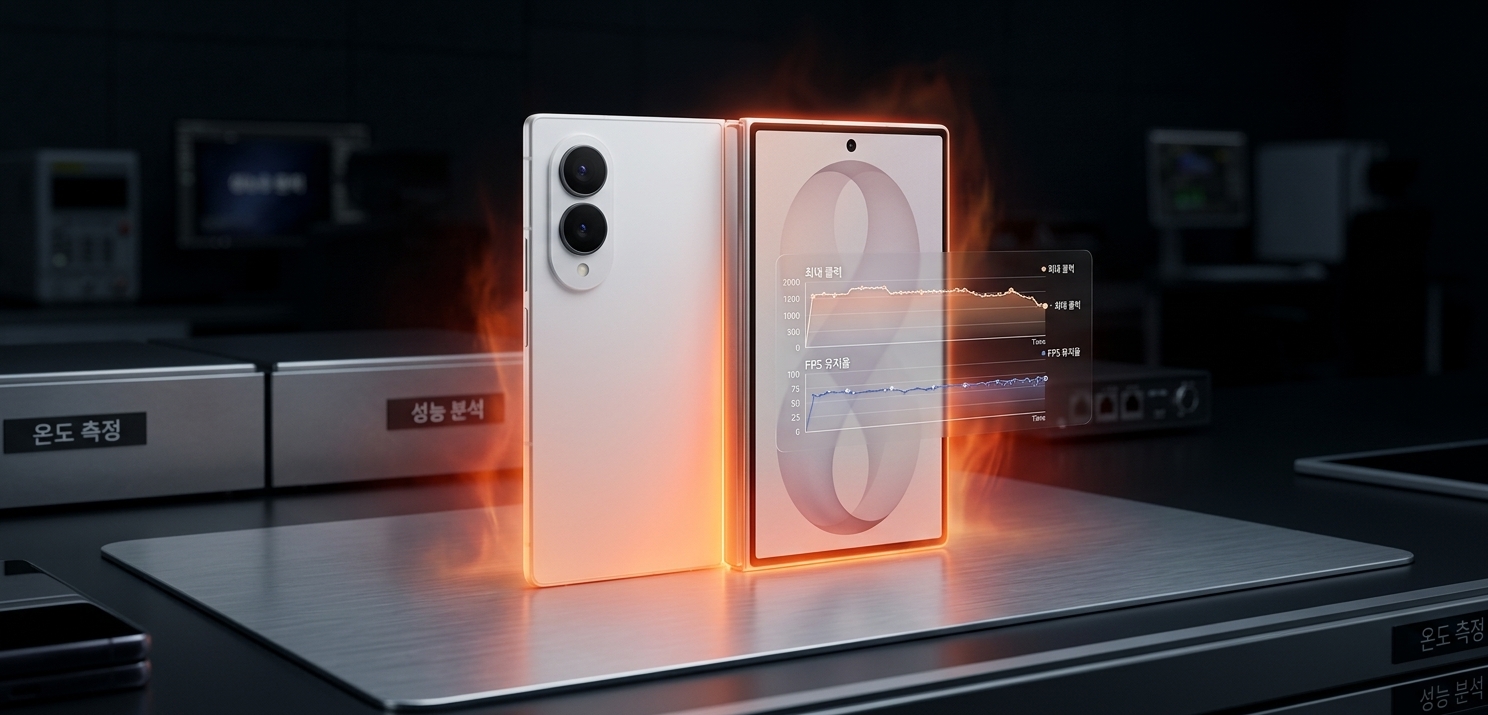
Thermals held up better than I expected. Under sustained load the back peaked around 44°C (111°F), and the center of the body — right where your fingers sit — ran about 2°C (roughly 4°F) warmer on the Fold 8. Not too hot to hold. But if you're planning long gaming sessions in July, brace yourself a little.
Day-one settings worth changing
If you've already got one, there are a few settings worth fixing on day one. Skip them and you'll end up using half of that big screen. Start with your navigation style and the multi-window settings — you'll immediately claw back screen real estate that was being covered up.
Those few tweaks alone changed how much I actually reached for the cover screen. Everything else you can dial in over the first week as you learn your own habits.
So — pre-order or pass?
If you're a content person who lives in video, comics, and e-books, the aspect ratio change alone earns its keep. If night photography and hours-long gaming sessions top your list, weigh the Ultra or the S-line one more time before settling on the base Fold 8.
Pre-orders open July 28. Do exactly three things before you buy. In the store: take one photo in a dim corner, fold it halfway and stand it up, and open a messaging app on both cover screens and thumb-type a full paragraph the way you normally would. Those 30 seconds will tell you more than any reflectivity chart.
The bigger screen is genuinely tempting. But what you live with is the small daily friction, not the spec sheet.