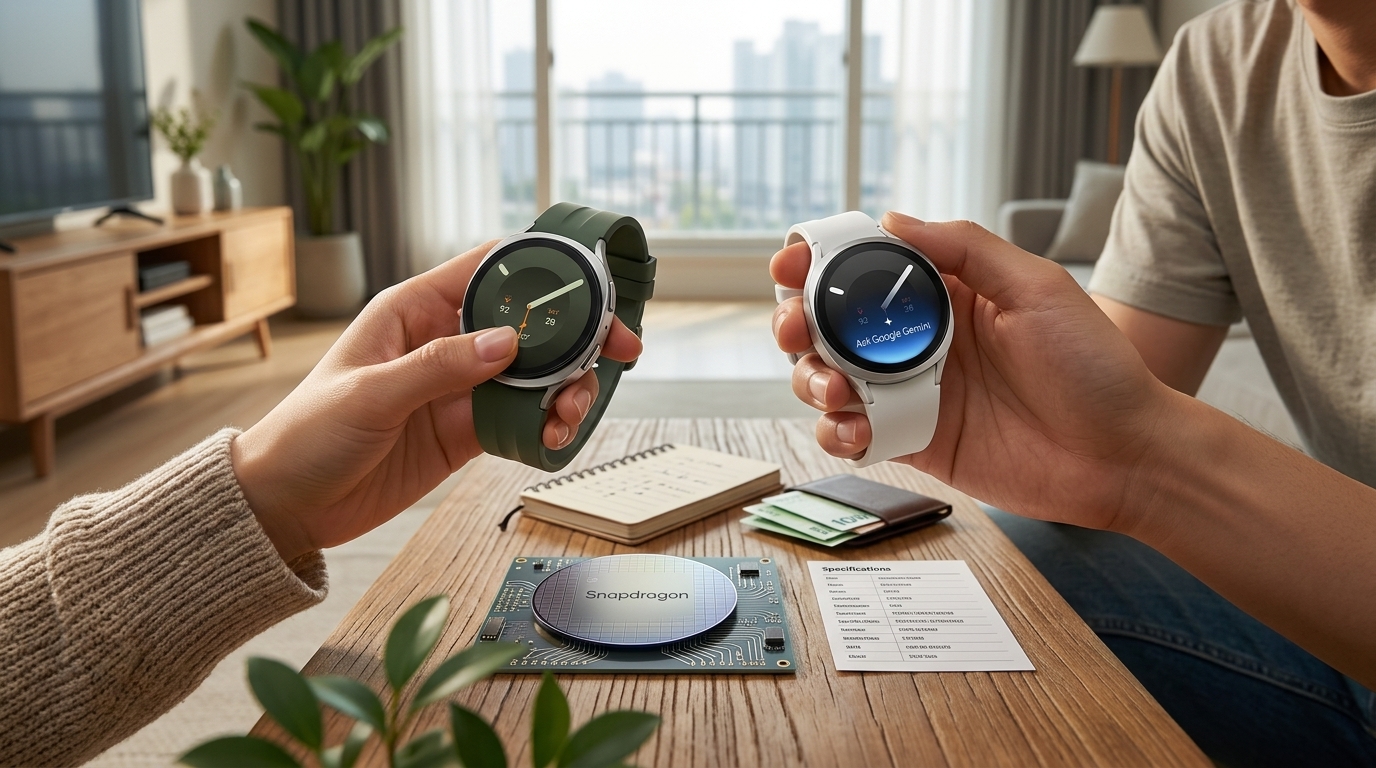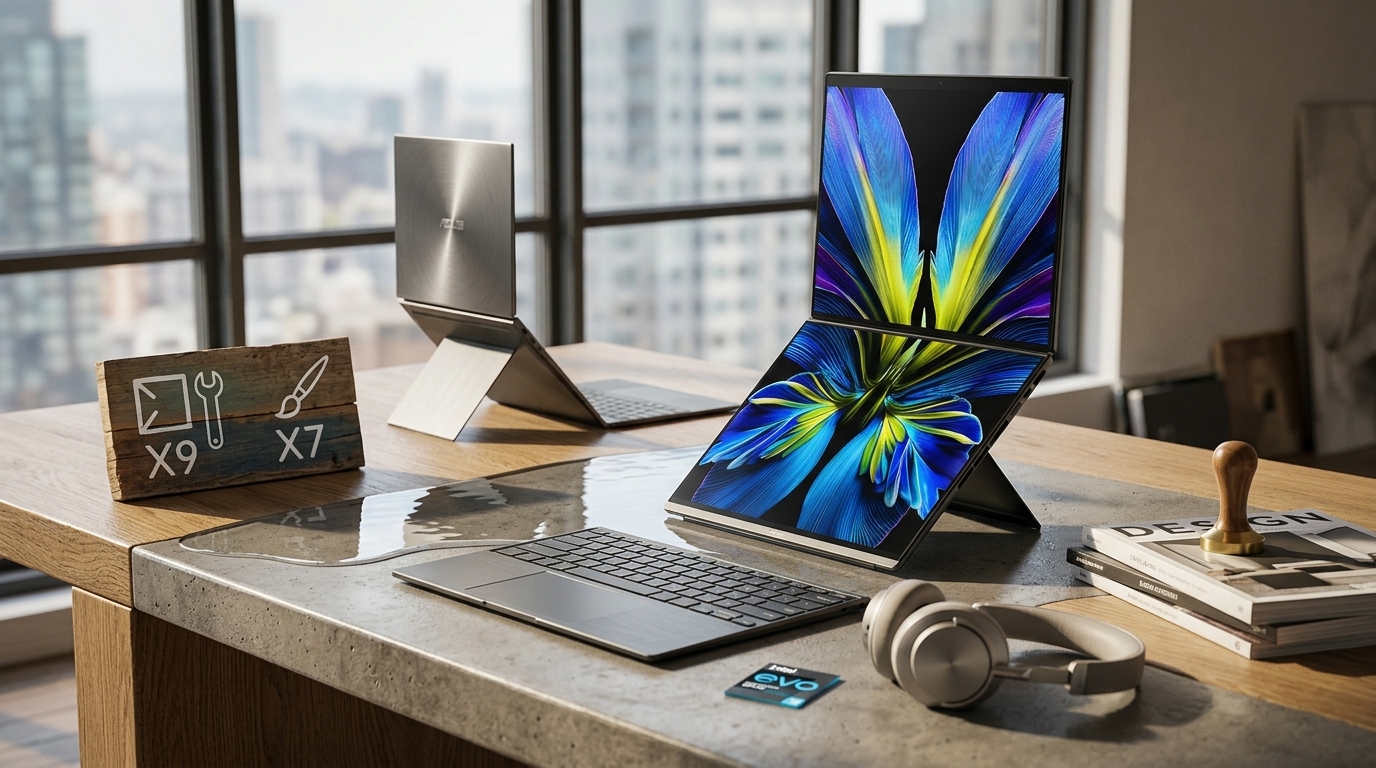
The moment I decided I wanted a two-screen laptop was the moment the real agonizing started. Same Zenbook Duo UX8407, three different processors — and the top-tier X9 had no release date anybody could pin down. If you're pacing between "hold out for the flagship" and "buy what's actually on the shelf," this post should settle which chip to get and exactly what you'll be putting up with.
The 3-Second Version — Which of the Three Should You Get?
- In real-world use, the three CPUs feel nearly identical. Once you price in the waiting, the X7 358H you can buy today is the honest answer.
- The real change this generation isn't the CPU tier — it's Intel Arc integrated graphics. Integrated is finally good enough for light gaming and 3D work.
- The tax you pay: 3.6 lb (1.65 kg), a mushy keyboard, and fan noise under load. Two screens always come with a bill attached.
I'll unpack each of those below, and I'll put actual numbers behind "why I gave up on the flagship." For context, this is what I pulled together in July 2026 from store visits and owner forums.
Three CPUs — Let's Lay Out What Actually Differs
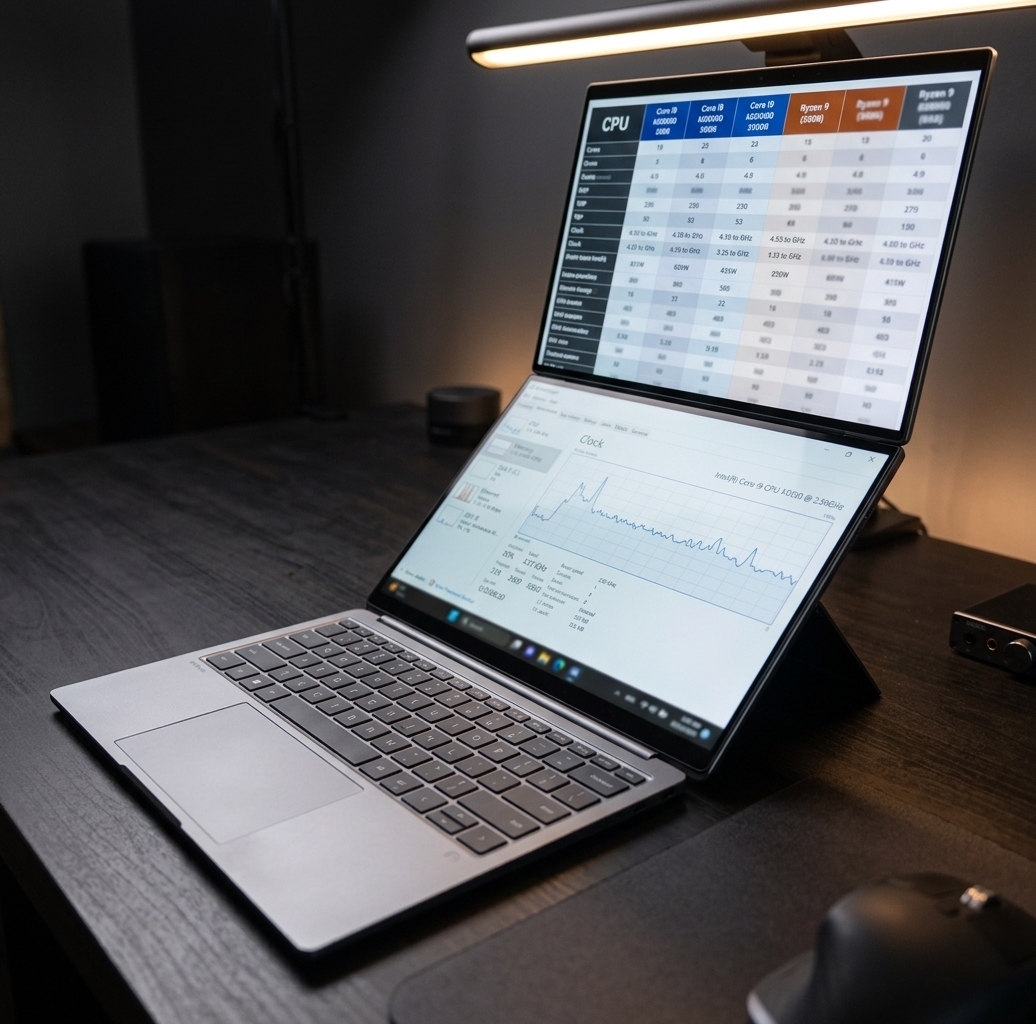
This 2026 model splits three ways on the processor alone. The names are close enough to be genuinely confusing, but line the specs up side by side and the difference jumps out.
| Processor | Base Clock | Max Boost | Cores/Threads | NPU |
|---|---|---|---|---|
| Core Ultra X9 388H | 2.1 GHz | Up to 5.1 GHz | 16C / 16T | Up to 50 TOPS |
| Core Ultra X7 358H | 1.9 GHz | Up to 4.8 GHz | 16C / 16T | Up to 50 TOPS |
| Core Ultra 9 386H | 2.1 GHz | Up to 4.9 GHz | 16C / 16T | Up to 50 TOPS |
You'll spot it fast. Cores (16), threads (16), and the NPU that handles AI workloads (50 TOPS) are flat-out identical across all three.
The only thing that moves is clock speed. On paper, the flagship X9 boosts to 5.1 GHz and the X7 I bought hits 4.8 GHz. That's a 300 MHz gap — roughly 6%.
The Math Behind Skipping the X9
I'll be honest: at first I only had eyes for the X9 388H. If I'm buying, buy the best — the same instinct everyone has. Problem was, nobody could tell me when the thing would actually ship.
Ask a store and you got "TBD." Dig through forums and you got "still waiting." After burning a few weeks that way, I finally ran the numbers.
A 6% boost-clock difference shows up on a benchmark leaderboard, but you're not going to feel it in your fingertips writing docs, browsing, or scrubbing a video timeline. And since all three share the same Arc graphics, the GPU experience is a wash too.
Putting the gains and losses in a table made it even clearer.
| Wait for the X9 | Buy the X7 now | |
|---|---|---|
| Performance | A hair higher on benchmarks | Effectively identical in daily use |
| Time | Open-ended wait, no ship date | Using it today |
| What you're left with | The satisfaction of owning the top model | Weeks you didn't waste not owning a laptop |
The other thing that weighed on me: a laptop is boxed in by heat and power no matter what chip is inside. There's a hard ceiling on what any silicon can sustain in a chassis this thin, and under that ceiling the X9 and the X7 end up meeting in more or less the same place.
So I went with the X7 358H that I could actually put in a bag. Regrets? None so far.
"It Can Even Game" — How Far Should You Trust That?
The biggest shift this generation isn't the CPU tier, it's the integrated graphics. With Intel Arc on board, territory that used to be off-limits for integrated GPUs is suddenly open.
Light online games and indie titles run without complaint, and by most accounts 3D sketching and modeling keep up without stuttering. A few years ago that was hard to imagine in a laptop this thin.
There's no free performance, though.
Run a long stress test and review after review lands in the same place: CPU temps in the mid-90s °C (around 200 °F) and fans screaming at roughly 6,500 RPM. In a quiet room, plenty of owners say the person next to you will notice.
Battery drains quickly when you're wringing out performance, too. Light up both screens and push a heavy workload and even that big 99 Wh pack goes fast — that's the common refrain.
With one screen on, brightness at 50%, and mostly docs and browsing, most people say it comfortably lasts a workday. Turn on both panels and that cushion drops by about half. Battery life here is set by habits more than by the spec sheet.
Two OLED Panels — and the Weight You Carry for Them
Eighty percent of the reason to buy this laptop is the displays. Two 3K 144 Hz OLED panels, stacked. The color and the smearless motion really do look different in person.
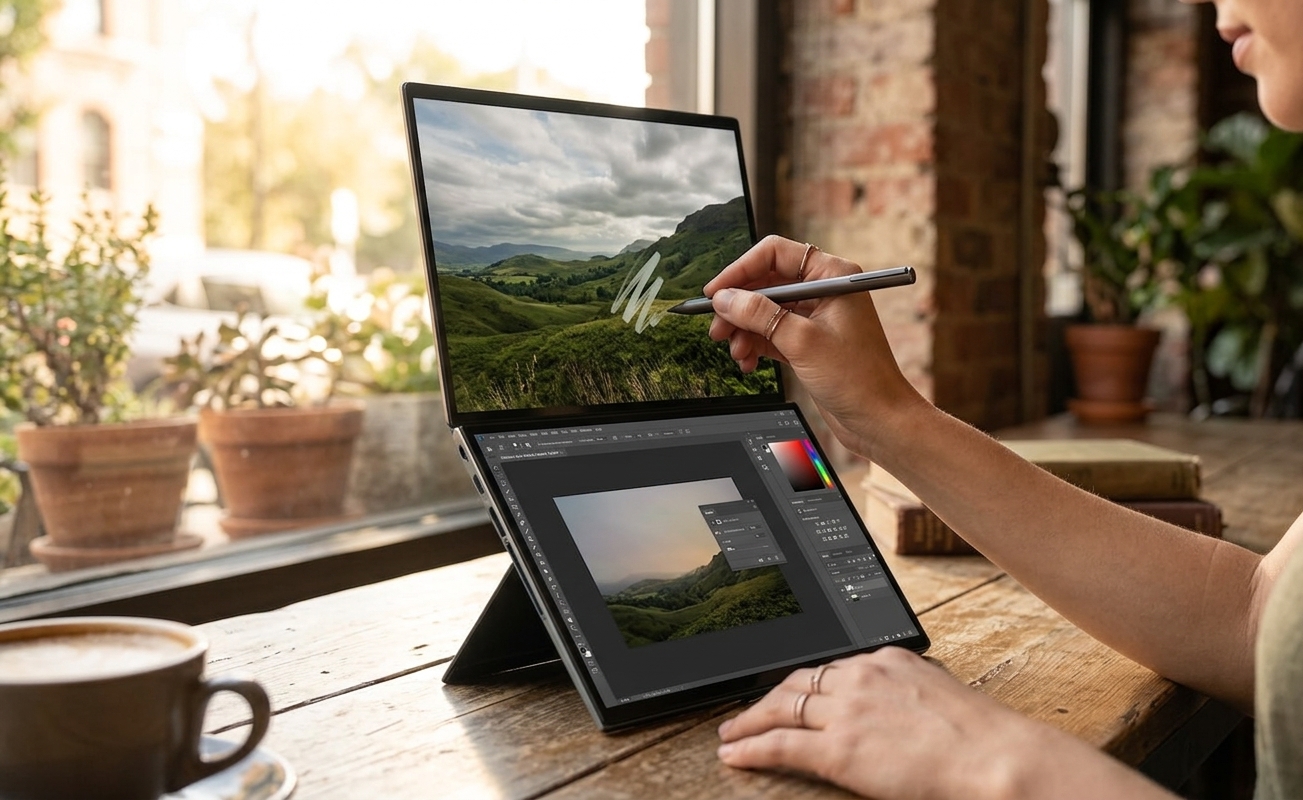
The funny part is that the two panels aren't perfect twins. The top one differs subtly from the bottom in color reproduction and brightness. Put a white background across both and the tone reads slightly differently — but not to a degree that bugs you in normal use.
All that glass has a cost: 3.6 lb (1.65 kg). Sling it in a backpack and you'll think, "ah, this is what two screens weigh."
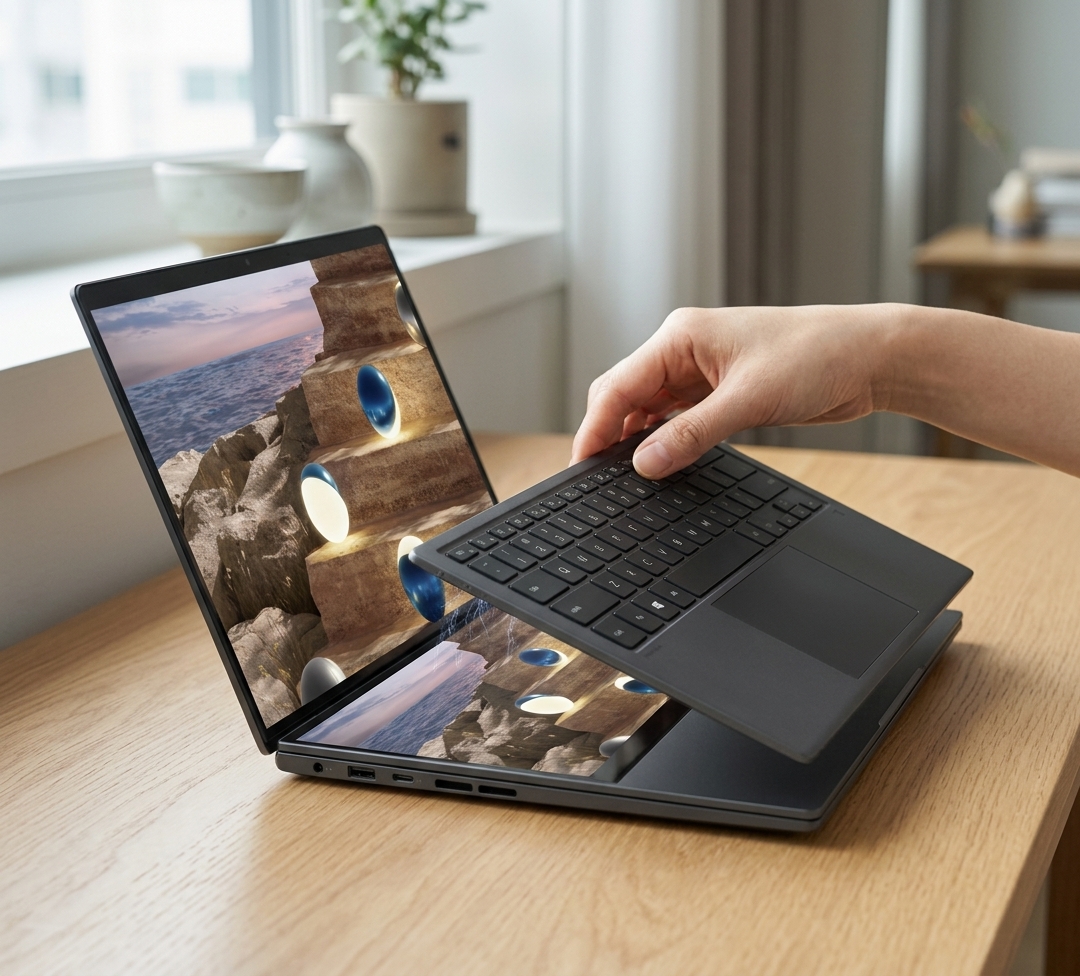
The transforming design cuts both ways as well. Standing it up on the rear kickstand or opening it flat like a book is genuinely appealing, but the stand is stiff and heavy enough that every position change is a two-hand job. This is not a laptop you flip open and start typing on.
Things Worth Knowing Before You Buy
Outside of the screens, the polish is honestly uneven. Here are the spots where knowing in advance takes the sting out.
- Keyboard feel: Spec sheet says 1.7 mm (0.07 in) of key travel, but your fingers won't believe it. The return is soft and squishy — it types like a cheap external keyboard.
- No card reader: Two Thunderbolt 4 ports, one USB-A, HDMI 2.1, and a headphone jack — but no SD slot. If you shoot photo or video, budget for a dongle.
- One SSD slot: It ships with 1 TB. Popping the metal cover under the kickstand makes swapping easy, but with only one slot, buying enough capacity up front saves you grief.
- Fingerprints: The marketing says they don't show. They do, everywhere. Personally I doubt I'd use the mode that turns the bottom screen into a touch keyboard.
On the plus side, the click of the haptic trackpad, speakers that fill a room in a hurry, and small touches like the detachable cable on the 100 W charger are legitimately satisfying. Big gripes and small delights living in one machine.
So, Should You Pull the Trigger?
It narrows down to one question: will two screens actually change the way you work? If yes, drop the CPU-tier debate and get the X7 358H that's in stock — that's plenty. Waiting indefinitely on the flagship X9 mostly means giving up weeks you could have spent using the thing.
If your current laptop isn't bothering you, though, the GPU leap alone is a shaky reason to replace it. Today's homework is simple: get to a Best Buy or Micro Center and pop that kickstand up yourself. It'll probably be on your desk by tomorrow.